Chat System
|
|
 |
An essential part of playing Allods Online is chatting with other players. You can type a message by pressing "ENTER", typing your message, and pressing "ENTER" another time. All messages will appear in the chat window which is located in the bottom left-hand corner of the interface. |
Depending on where you are, and what you want to say, you may wish to speak to one person (/whisper), those next to you (/say), to the entire zone (/zone & /shout) or to your entire faction (/world). To Shout or speak to the world you need megaphones, these can be found in the Boutique or through the Auction House. When in parties and raids you can also speak directly to your comrades with party chat (/party) or raid chat (/raid).
You can customize the appearance of your chat window by clicking the icons at the top of the window. In this menu you may change the font type, font size, lock or unlock the window, minimize the window, enable or disable the time stamp, enable or disable the spam filter, or clear all messages in the window.
If you choose to unlock your chat window, you may position it anywhere around the interface by clicking on the arrows in the top right-hand corner and dragging it to the desired location. You can also change the size of your window by clicking on and dragging the yellow triangle in the bottom right-hand corner.
For further customization, you can right-click the General tab in the chat window to bring up a menu that will allow you to choose which chat channels appear in the chat window. You can also change the colour of the text that each channel is displayed in or lighten & darken the chat screen, based on your needs.
| GROUPS |
|
| Grouping with other players is a key part of playing Allods Online. There are many challenges that you cannot complete alone such as difficult quests, dungeons, and flying an Astral ship. You can invite another player to your group by simply targeting them, right-clicking on their character portrait, and selecting the invite option. You can also invite another player to your group by entering /invite followed by their name into chat.There are two different types of groups that can be formed in Allods Online. The first is a party, and these can contain up to six different players. When in a party you will be able to view the character portrait of each party member. All of your party members will also be marked by a blue flag above their head. |
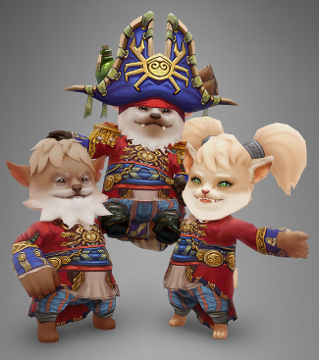 |
The second type of group is a raid, and these can contain up to twenty-four different players which are arranged in four groups of six. When in a raid each raid member can be identified by a symbol that corresponds to their archetype instead of a character portrait.
Each group has a leader that can invite or remove players from the group. Raid leaders can also move players to different groups within the raid, as well as promote other raid members to raid assistants, granting them the same power as a raid leader.
|
GUILDS |
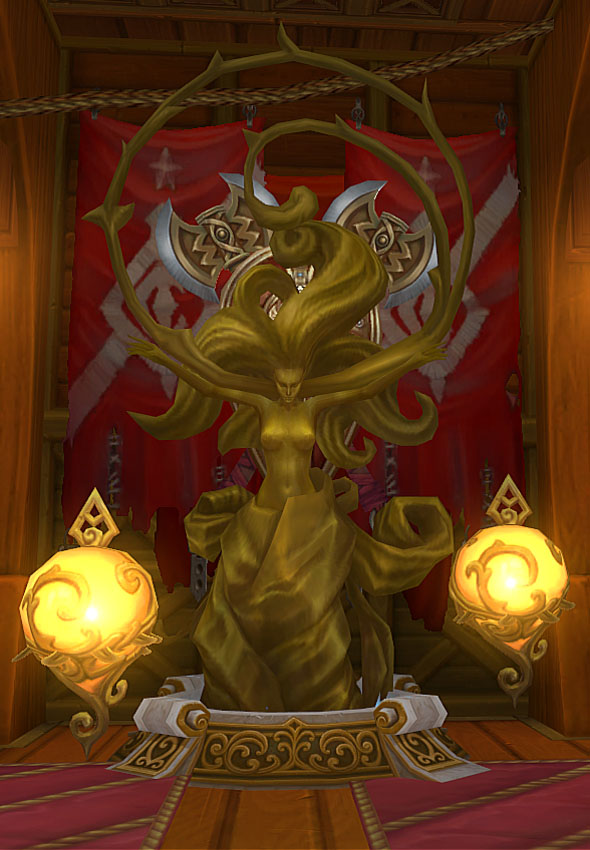 |
A guild is a group of players that have formed an organization to socialize or complete complicated quests and dungeons together. Also, guild members frequently cooperate to crew an Astral ship. Joining a guild can make your adventuring in Allods Online much easier, for you will be able to rely on guild members for help when you need it.You can create a new guild by using a special object called a Crystal of Unity. It can be bought from each faction's official Guild Master who is located in their faction's capital. In order to activate the Crystal of Unity, you must be in a party with five other players who are not currently in any guild. As soon as the Crystal is activated, a name must be chosen for the guild. After this last step the new guild is founded and the party leader becomes the guild master while the other members of the party become the officers. |
| AUCTION HOUSE |
|
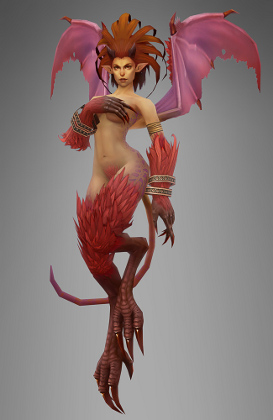
| The auction house is a place where you can buy and sell items to other players. You can find anything on the auction house, from weapons and armour to consumables and trade goods! You can also sell any item as long as it is not bound to your character. The auction houses are conveniently located in each faction's capital, and they can be accessed by simply talking to an auctioneer. As a seller, you can create an auction by going to the My Auctions tab and dragging an item that's in your bag into the auction house window. Before you can post the auction, you must set the auction duration as well as the minimum bid. You can also set a buyout price which will allow any player to instantly purchase your item at that price instead of waiting for the auction duration to finish. As a buyer, you can search through other players' auctions by going to the All Auctions tab. Here you can search by item name, type, level, quality, current bid, and buyout price. These options can be found at the top of the auction house window. |
 |
|
IN-GAME MAIL |
 |
The in-game postal service can be used to send and receive mail. You can access your mailbox by simply talking to a postal worker. The postal workers can be found on every allod, working tirelessly to deliver your packages and letters! To view the letters or packages that other players have sent you, you can check the Inbox tab of the mail window. All items that you have been sent can be retrieved by simply right-clicking on them. All mail that is sent to you will only remain in your mailbox for up to thirty days. The only way to check your mail is to visit a postal worker, so be sure to stop by and see one often! You can send a letter or package to another player in the Outbox tab of the mail window. Simply enter the name of the recipient, a title for the letter, and any message you wish to send. You can also send up to five items as well as an unlimited amount of gold in a single package. |
Calendar
The Calendar is how you keep track of all the repeatable and daily quests running throughout Sarnaut. It is divided into Recommended, Daily, Other and Repeatable to make it easy to use and allows you to search by Character Level, Name and Zone so you never miss your favourite quests in Allods Online! The Calendar can be accessed with (H) or through your bottom-left corner menu.
Notice Board
There are two forms of posting on the social board, regular and luxury. Regular is completely free and can be used on any of the 5 sections of the notice board (more on that in a minute), whilst Luxury is now the option you get when using a Bottle of Magic Ink. Luxury will see your message marked as urgent, and will also be broadcast in World Chat! This can be used on every section of the board except the Looking For Group section, as that section is meant to be entirely free to use.
There are 5 different tabs along the bottom of the Notice Board that take in whether you are looking for a group, a guild, a partner in marriage, to trade or just want to post something in General. You can write messages on these boards completely for free, and use Magic Ink if you want your message to really stand out from the crowd!

